See your phone from your laptop. Fix your parents' TV from another city. Grab a file off your office PC while you're at home. One account, every device, running on our own private server.
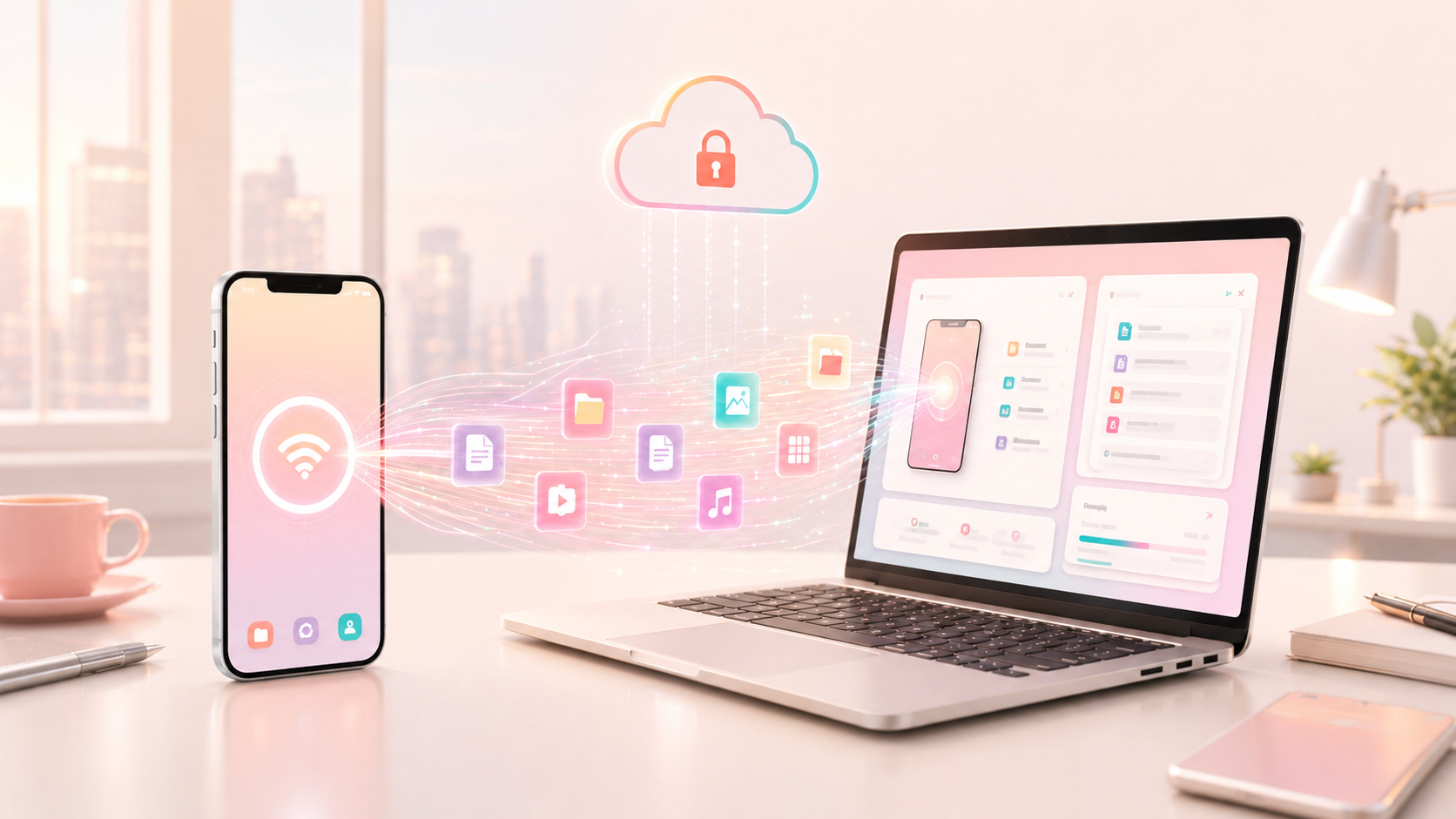
Runs on our own server — your screen and files never pass through anyone else's infrastructure.
Connect across different WiFi networks, ISPs, even different cities — no shared network needed.
Send files and folders between your devices directly from the app.
Smooth, responsive screen sharing that adapts automatically to your connection.
No configuration, no port-forwarding, no tech-support call needed.
Sign up with your mobile number and a PIN — takes under a minute.
An admin (you, or whoever manages your family's account) approves new sign-ups.
Install the app on every phone, computer, or TV you want to reach.
Pick a device, tap connect, and you're in — screen, files, camera and all.
The same problem kept showing up — someone needed help on a screen we couldn't physically reach. Office remote-desktop tools felt like overkill for "can you fix Amma's phone real quick."
Your own server — nothing routes through a stranger's cloud.
Phone, computer, TV — sign in once, reach them all.
Admin approval on every new sign-up — only people you trust get in.
Mirror or control one phone from another.
Live nowCast your phone screen straight to the living room TV.
Live nowControl your PC from your phone, anywhere.
Live nowFull remote control and file transfer between two PCs.
Coming soonCast a computer to the TV, or control a TV device from your PC.
Coming soonExtend or mirror your computer's display to the living room.
Coming soonHelp a parent or grandparent with their phone or TV without being in the room.
Sync and control every device you own — laptop, phone, TV — from one place, without hunting for cables.
Reach your office computer or grab a file from home, from a hotel, from anywhere.
Installing outside the Play Store? Android will show a Play Protect warning the first time — tap "More details" → "Install anyway". This is normal for any app not distributed through the Play Store.
Windows: extract the ZIP, then run SAAS-Connect-Install.exe from inside the extracted folder to install.
An AI assistant for everyday life.
Free voice, video & chat with the people who matter.
Private, secure browsing for the whole family.
Free to create an account — download the app when you're ready.
Create free account